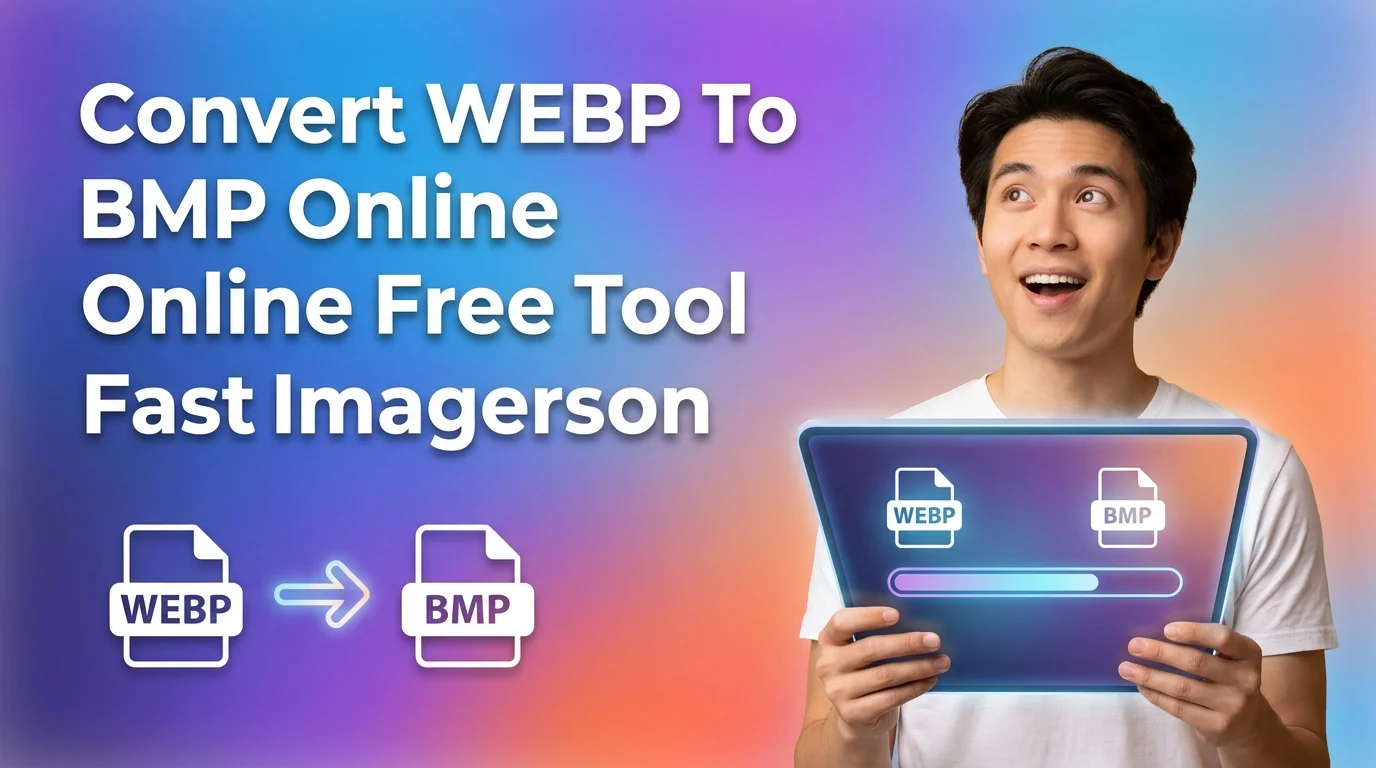
WEBP To BMP Converter lets you Convert WEBP To BMP format online for free. Fast, secure and high quality WEBP To BMP Converter with instant download.
WEBP To BMP Converter helps you convert WEBP images into BMP format quickly and without quality loss. Many users download images in WEBP format, but some software and devices do not support WEBP. In such cases, you need a simple WEBP To BMP Converter that works instantly.
Our WEBP To BMP Converter works directly in your browser. You do not need to install any software. You do not need to register. Just upload your WEBP file and convert it into BMP in seconds.
BMP format is widely supported in Windows systems and many editing tools. Designers, developers, students and business users often prefer BMP for compatibility. With this WEBP To BMP Converter, you can convert files safely and download them instantly.
If you want a fast, secure and free WEBP To BMP Converter, this tool is built for you.
Why Choose WEBP To BMP Converter?
You need a reliable WEBP To BMP Converter when compatibility matters. Many editing tools, printing software and legacy systems do not accept WEBP files. BMP works smoothly in such cases.
Our WEBP To BMP Converter gives you:
• Instant conversion
• High quality BMP output
• No file size reduction unless you want it
• No watermark
• Free unlimited usage
• Secure file processing
You save time. You avoid errors while uploading images to unsupported platforms. You get full control over your image format.
If you handle website assets, school projects, client presentations or print designs, WEBP To BMP Converter solves format issues quickly.
Key Features of Our WEBP To BMP Converter
1. Fast Online Conversion
Our WEBP To BMP Converter processes your file within seconds. Upload your WEBP image. The system converts it instantly.
Speed matters. Studies show that users leave a page if it loads slowly. We built this WEBP To BMP Converter for performance. Even large images convert smoothly.
You do not wait in queues. You do not face delays. This improves your workflow, especially if you convert multiple images daily.
2. High Quality BMP Output
Quality loss affects design and printing. Our WEBP To BMP Converter keeps image clarity intact.
BMP format stores image data without compression. This ensures detailed output. If you work on graphic design, editing or printing, this matters.
When you use this WEBP To BMP Converter, you get sharp images with original resolution. Colors remain accurate. No watermark appears on your file.
3. Secure and Private Processing
Your privacy is important. Our WEBP To BMP Converter does not store your images permanently.
Files are processed securely. They are removed automatically after conversion.
If you convert client data or personal images, you stay safe. No login required. No tracking of your files. This WEBP To BMP Converter focuses on secure usage.
4. No Installation Required
Many users avoid heavy software for simple tasks. Our WEBP To BMP Converter works 100 percent online.
You only need a browser and internet connection. It works on Windows, Mac, Linux and mobile devices.
You save storage space. You avoid complex setup. You convert WEBP files into BMP format directly from your device.
5. Unlimited Free Usage
You can use this WEBP To BMP Converter without limits. No daily restriction. No hidden charges.
If you are a blogger or developer handling bulk images, you can convert multiple files easily.
Free tools often reduce features. This WEBP To BMP Converter provides full functionality without forcing upgrades.
6. Simple User Interface
Our WEBP To BMP Converter has a clean layout.
Steps are clear. Buttons are visible. No confusion.
You upload your file. Click convert. Download BMP file. That is all.
This simplicity helps beginners and professionals. Even first time users can operate the WEBP To BMP Converter without guidance.
How to Convert WEBP To BMP
Follow these steps to use WEBP To BMP Converter:
- Open the WEBP To BMP Converter page.
- Click on Upload Image button.
- Select your WEBP file from your device.
- Click on Convert button.
- Wait a few seconds.
- Download your converted BMP file.
You do not need technical knowledge. You do not need special settings.
If you have multiple images, repeat the process. The WEBP To BMP Converter handles each file smoothly.
Frequently Asked Questions
1. What is WEBP To BMP Converter and why should you use it
WEBP To BMP Converter is an online tool that converts WEBP image files into BMP format. WEBP is a modern format developed by Google. It offers small file sizes. However, many older systems and software do not support it.
If you try to upload WEBP files to some Windows applications or printing systems, you may face errors. That is where WEBP To BMP Converter helps.
BMP is a bitmap image format widely supported across operating systems. It stores image data without compression. This means higher file size but stable compatibility.
You should use WEBP To BMP Converter when:
• Your software does not open WEBP files
• You need BMP format for printing
• You want uncompressed image quality
• You work in Windows environment
This WEBP To BMP Converter gives you instant results without installation. It simplifies format conversion for beginners and professionals.
2. Is WEBP To BMP Converter free to use
Yes. This WEBP To BMP Converter is completely free. You do not need to create an account.
Many tools limit free conversions. Some add watermarks. Some restrict file size.
Our WEBP To BMP Converter removes such barriers. You can convert images without hidden charges.
This helps students working on projects. It helps bloggers managing website assets. It helps designers testing formats.
Free access ensures you can convert images anytime without budget concerns.
3. Does WEBP To BMP Converter reduce image quality
No. WEBP To BMP Converter maintains original resolution during conversion.
BMP format is uncompressed. That means it keeps pixel level data intact.
If your original WEBP file has high resolution, the converted BMP will also maintain that resolution.
However, BMP files are larger in size. This is normal because BMP does not compress data like WEBP.
If you need full quality for editing or printing, WEBP To BMP Converter is suitable.
4. Is WEBP To BMP Converter safe for private images
Yes. Security is a priority in this WEBP To BMP Converter.
Files are processed securely. They are not shared with third parties.
Most online users worry about privacy. That is valid. This WEBP To BMP Converter avoids unnecessary data collection.
After conversion, files are automatically removed from the system.
You can safely convert personal, academic or client images without risk.
5. Can you use WEBP To BMP Converter on mobile devices
Yes. WEBP To BMP Converter works on smartphones and tablets.
You only need a browser. No app installation required.
This is helpful when you receive WEBP images on WhatsApp or email and need BMP format urgently.
Open the WEBP To BMP Converter page on your mobile browser. Upload your image. Convert and download.
The interface adjusts to small screens for better usability.
6. Who should use WEBP To BMP Converter
WEBP To BMP Converter is useful for many users.
• Designers who need BMP for editing tools
• Developers testing image compatibility
• Students preparing presentations
• Bloggers managing image formats
• Business users working with Windows systems
If you face compatibility issues with WEBP, this WEBP To BMP Converter solves the problem quickly.
It saves time. It avoids format errors. It keeps your workflow smooth.
WEBP To BMP Converter gives you a simple way to handle image format issues. Many platforms now use WEBP for smaller file size. But not every system supports it. That creates problems when uploading, editing or printing images.
With this WEBP To BMP Converter, you convert files in seconds. No installation. No technical setup. No hidden cost.
You maintain image quality. You ensure compatibility with Windows tools and legacy software. You download clean BMP files without watermark.
If you work with images regularly, format flexibility is important. WEBP To BMP Converter gives you that flexibility.
Use this WEBP To BMP Converter whenever you need stable BMP output from WEBP images.