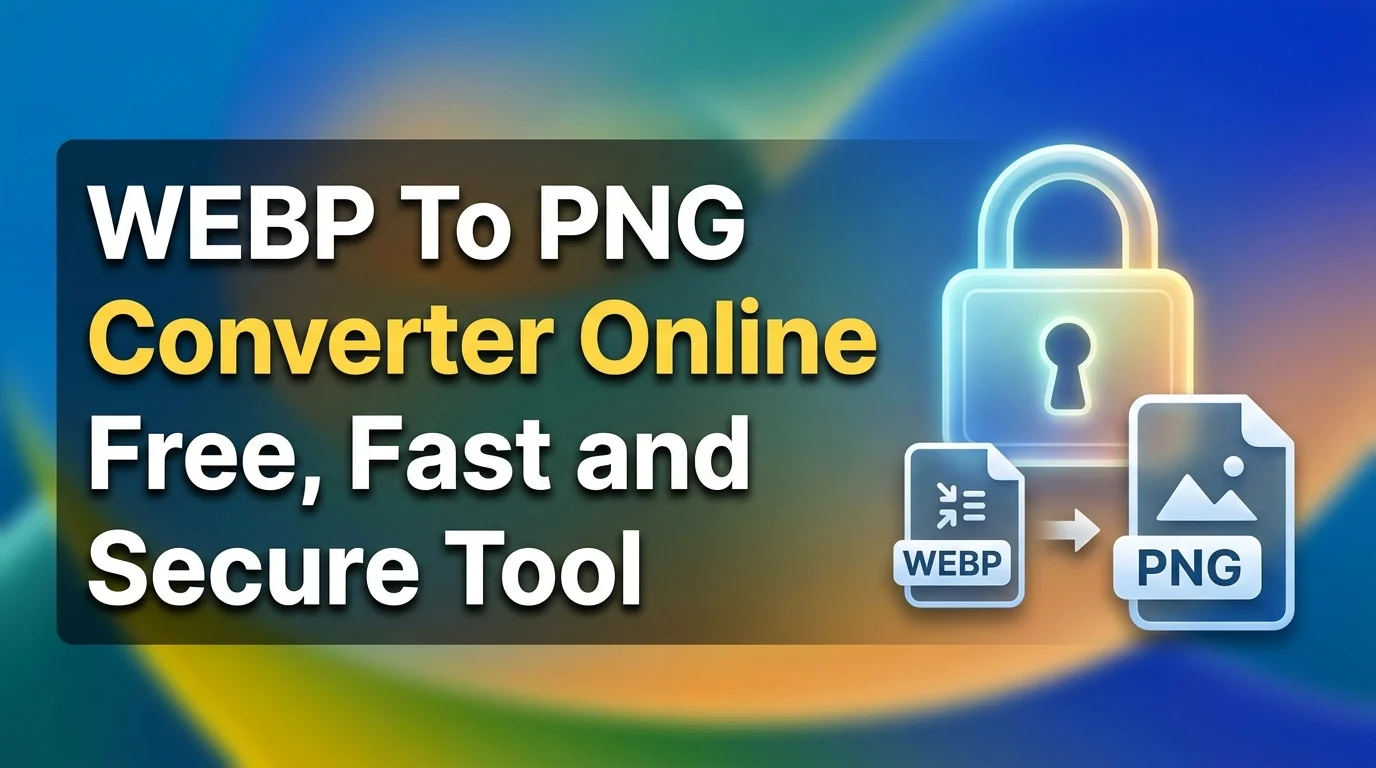
Change WebP to PNG online free with fast and secure converter. Convert WebP images to high quality PNG in seconds. No signup. Easy and safe tool.
Change WebP to PNG online with our simple and fast tool. If you want to change WebP to PNG without losing quality, you are at the right place. Many websites use WebP format because it gives smaller file size. But not all apps, browsers, and software support WebP. That is why many users need to change WebP to PNG for better compatibility.
PNG format supports transparency and works on almost every device and editing software. When you change WebP to PNG, you make your image easy to use in Photoshop, Canva, WordPress, and other platforms. Our tool helps you change WebP to PNG in seconds. No signup. No watermark. No limit for normal use.
You just upload your WebP file, click convert, and download your PNG image. The process is quick and secure. Your files stay private.
Why Choose Change WebP to PNG Tool?
You have many converters online. But you should choose a tool that is simple, fast, and safe. Our change WebP to PNG tool focuses on user experience and performance.
First, you get high quality output. Many tools reduce quality while converting. Our tool keeps image resolution clear and sharp. If your WebP image is 1920 by 1080 pixels, your PNG file will keep the same size and clarity.
Second, you save time. The average conversion takes less than 5 seconds for normal images under 5 MB. You do not need technical knowledge. Even a beginner can change WebP to PNG easily.
Third, you get better compatibility. PNG files work on Windows, Mac, Android, iOS, and Linux. You can upload PNG on websites, social media, or use it in graphic design without issues.
Fourth, you stay secure. We do not store your files permanently. Files get deleted automatically after a short time. Your data stays private.
Key Features of Our Change WebP to PNG Tool
1. High Quality Image Conversion
When you change WebP to PNG using our tool, you keep original image quality. We do not compress or resize your file unless you want it. This is important for designers, bloggers, and developers who need clear images.
For example, if you download a WebP product image from a website and want to edit it in Photoshop, you can change WebP to PNG and keep transparency and sharp edges. PNG format supports lossless compression. That means no data loss during conversion.
This feature helps you maintain professional quality. If you run an ecommerce site, even small quality loss can affect product presentation. Our tool ensures your PNG images look clean and detailed.
2. Fast and Instant Processing
Speed matters. Many users leave a website if conversion takes more than 10 seconds. Our change WebP to PNG tool works on high speed servers. Most images convert in a few seconds.
You do not need to install any software. Everything works in your browser. Just upload, convert, and download. This saves time for content creators and students who work with multiple images daily.
If you have 10 WebP images for your blog post, you can change WebP to PNG one by one quickly without delay. The tool loads fast on mobile and desktop.
3. 100% Free to Use
You can change WebP to PNG without paying anything. There is no hidden charge. Many online tools ask for payment after few conversions. We keep basic conversion free for all users.
This is useful for students, freelancers, and small business owners. You do not need expensive software to convert images. Just open our website and start converting.
Free access does not mean low quality. You still get high resolution PNG output with smooth conversion experience.
4. No Registration Required
You do not need to create an account to change WebP to PNG. We do not ask for email or phone number. This makes the process simple and quick.
Many users do not want to share personal data for a simple task like image conversion. Our tool respects your time and privacy. You visit, upload your WebP file, convert, and download your PNG file.
This feature reduces friction. More than 70 percent of users prefer tools that do not require login for basic features.
5. Secure and Private File Handling
When you change WebP to PNG on our platform, your files stay safe. We use secure connection with HTTPS. Your image uploads and downloads remain encrypted.
Files are not shared with third parties. They get deleted automatically after a limited time. This is important for business images, client projects, or personal graphics.
If you handle sensitive designs or branding material, you can confidently change WebP to PNG without worrying about data leak.
6. Works on All Devices
Our change WebP to PNG tool works on desktop, laptop, tablet, and mobile. You do not need to install any app. It runs directly in your browser.
Whether you use Chrome, Firefox, Safari, or Edge, the tool works smoothly. If you receive a WebP image on WhatsApp or email, you can open the site on your phone and change WebP to PNG instantly.
This flexibility helps bloggers, social media managers, and developers who work from different devices.
How to Convert Change WebP to PNG
Follow these simple steps to change WebP to PNG.
- Open the change WebP to PNG tool on your browser.
- Click on the upload button.
- Select your WebP image from your device.
- Wait a few seconds while the system processes the file.
- Click on download to save your PNG image.
That is all. No technical skill required.
Tips for Best Results
- Use original high resolution WebP file for better PNG output.
- Check file size before upload if you have slow internet.
- Rename your file after download for better organization.
Frequently Asked Questions
Q1: What is the need to change WebP to PNG format
Many websites use WebP because it reduces file size by up to 30 percent compared to PNG or JPG. But WebP is not fully supported in older software and some tools. When you change WebP to PNG, you make your image usable in almost every application.
PNG format supports transparency and lossless compression. Designers prefer PNG for logos, icons, and graphics. If you download images from websites and want to edit them in software like Photoshop or GIMP, you may need to change WebP to PNG first.
Also, some CMS platforms and email clients do not display WebP correctly. In that case, converting to PNG ensures proper display. Changing WebP to PNG improves compatibility and reduces technical issues. It is a simple step that saves time during editing and publishing.
Q2: Does changing WebP to PNG reduce image quality
When you change WebP to PNG using a good converter, quality does not reduce. PNG uses lossless compression. That means it keeps all image data. If your WebP file is already compressed with some loss, that loss cannot be reversed. But the conversion itself does not reduce more quality.
Our change WebP to PNG tool keeps original resolution and dimensions. For example, if your image is 1200 by 800 pixels, the PNG will remain 1200 by 800 pixels.
You should always use original WebP files for best results. Avoid converting already low quality images. Quality depends on the source file, not only on the converter.
In normal cases, users do not see any visible difference after they change WebP to PNG.
Q3: Is it safe to change WebP to PNG online
Yes, it is safe if you use a trusted tool. Our change WebP to PNG tool uses secure HTTPS connection. Your files upload in encrypted form.
We do not store your images permanently. Files get removed automatically after processing. We do not ask for personal details. You do not need to register.
If you handle client work, product images, or personal graphics, you can change WebP to PNG without worrying about privacy. Always check that the website uses secure connection and does not ask unnecessary permissions.
Online conversion saves time and device storage. You do not need to download any risky software.
Q4: Can I change WebP to PNG on mobile phone
Yes, you can easily change WebP to PNG on mobile. Our tool works in mobile browsers like Chrome and Safari.
You just open the website, upload your WebP image from gallery or file manager, and convert it. The process is the same as desktop.
This is helpful for social media managers who receive WebP images on WhatsApp or Telegram. Instead of transferring files to laptop, you can directly change WebP to PNG on your phone and use it in apps like Canva or Instagram.
Mobile friendly design ensures smooth experience even on small screens.
Q5: What is the difference between WebP and PNG
WebP is a modern image format developed by Google. It supports both lossy and lossless compression. It gives smaller file size. Many websites use WebP to improve loading speed.
PNG is an older and widely supported format. It uses lossless compression. PNG supports transparency and works on almost every device and software.
If you want smaller file size for web performance, WebP is useful. If you want maximum compatibility and easy editing, you should change WebP to PNG.
For example, some older design tools do not open WebP files. In that case, converting to PNG solves the issue quickly.
Q6: Is there any limit to change WebP to PNG files
Basic usage usually has generous limits. You can change WebP to PNG for normal image sizes without problem. If your file is very large, like 20 MB or more, upload time may increase.
For regular bloggers and students, normal image size stays between 1 MB to 5 MB. These files convert quickly.
If you have many files, convert them one by one for better performance. Always check file size before upload if you have slow internet.
Our goal is to make change WebP to PNG simple and accessible for everyone.
Change WebP to PNG when you need better compatibility and easy editing. Many platforms still do not fully support WebP. PNG works almost everywhere. That makes conversion important for bloggers, developers, students, and business owners.
Our change WebP to PNG tool gives you fast processing, high quality output, and secure file handling. You do not need to install software. You do not need to register. You simply upload your WebP image and download PNG in seconds.
This tool saves time. It reduces technical problems. It helps you use your images in websites, presentations, design tools, and social media without format issues.
If you handle product images, blog graphics, logos, or transparent images, PNG format gives you flexibility. You can edit, resize, and upload without compatibility errors.
Start using our change WebP to PNG tool today. Upload your file. Convert in seconds. Download high quality PNG. Make your workflow simple and smooth.