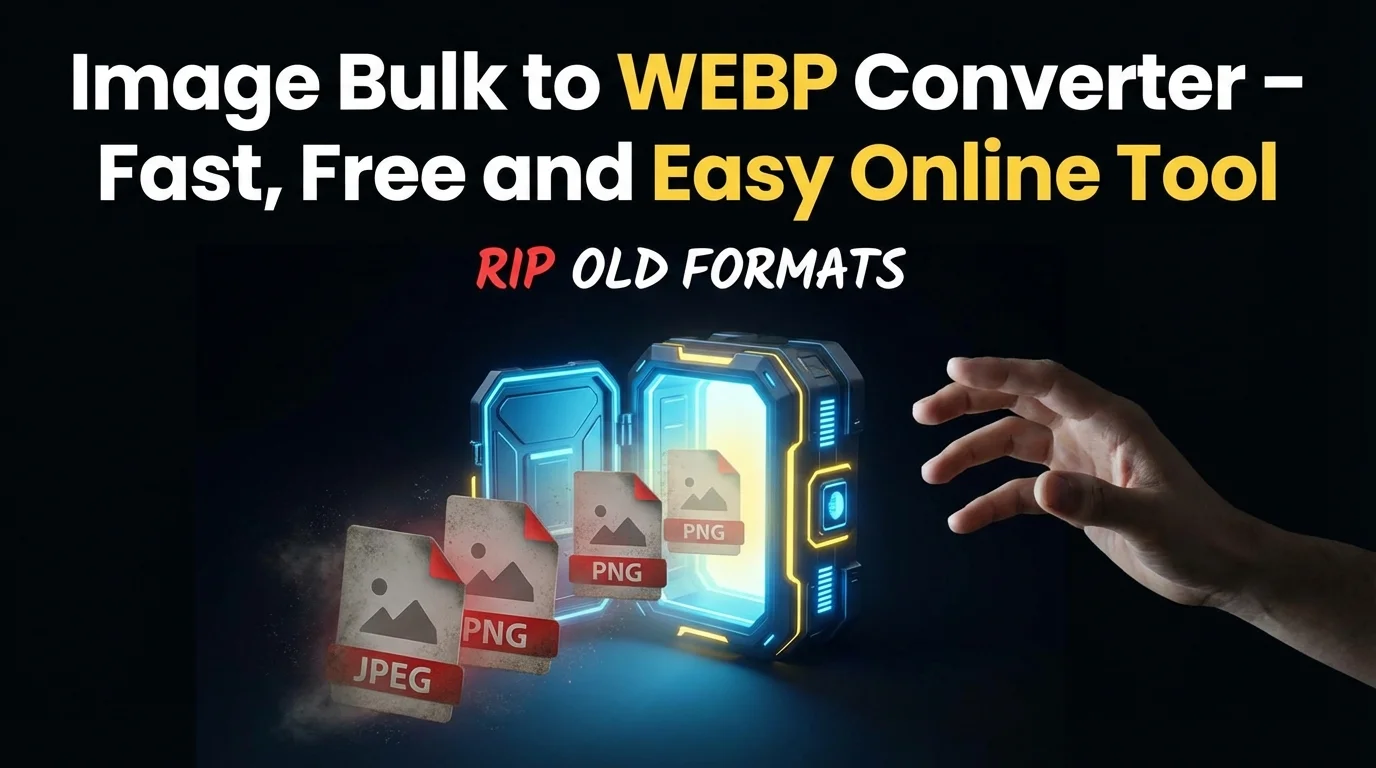
Convert multiple JPG, JPEG, PNG, and GIF images to WebP in one click. Reduce file size. Improve website speed. Save time. No signup required.
Convert Multiple Images to WebP in Seconds
Managing images is easy when you have only one or two files. But when you handle 20, 50, or even 500 images, the work becomes slow and frustrating. Large image files increase website loading time. Slow websites reduce traffic and sales. This is where our Bulk Image to WebP Converter helps you.
This tool allows you to convert multiple JPG, JPEG, PNG, and GIF images to WebP format at the same time. WebP is a modern image format developed by Google. It keeps image quality clear while reducing file size by up to 30 percent or more in many cases.
Why is this needed?
If you run a blog with 100 articles and each article has 5 images, that means 500 images. If each image is 800 KB, your total image weight becomes 400 MB. After converting to WebP, the same images may reduce to around 250 MB. You save 150 MB space and improve loading speed across the site.
Example scenario:
You run an ecommerce store with 200 products. Each product has 4 images. That means 800 images. Converting them one by one takes hours. With this Bulk Image to WebP Converter, you upload all images together and convert them in minutes.
Strong value:
• Convert multiple images at once
• Reduce file size without visible quality loss
• Improve website performance
• Save hosting bandwidth
• No registration required
If you want faster pages, better SEO, and lower storage usage, this bulk image to WebP converter is built for you.
How the Tool Works — Step by Step
Step 1: Upload Multiple Images
Click on the upload button and select multiple files from your device. You can choose JPG, JPEG, PNG, or GIF images together.
Example:
You select 50 product images from your laptop. Each image is around 1 MB.
Step 2: Automatic Bulk Processing
Once uploaded, the tool starts converting all images into WebP format automatically. You do not need to adjust complex settings.
Simple technical explanation:
WebP uses advanced compression technology. It reduces unnecessary pixel data while keeping the visual quality almost the same. It supports both lossy and lossless compression.
Lossy compression reduces file size more by slightly adjusting image data.
Lossless compression keeps original data but still reduces size smartly.
For PNG images with transparency, WebP keeps transparent background.
For GIF files, it converts animation into animated WebP.
Step 3: Download All WebP Images
After conversion, you can download images one by one or download them together in a compressed file.
Example:
Your 50 images of total 50 MB become 32 MB after conversion. You download all optimized WebP files instantly.
Behind the scenes:
• The tool reads image metadata and pixel structure
• Applies WebP encoding algorithm
• Compresses image data efficiently
• Preserves dimensions and quality
• Generates WebP files ready for web use
Everything works inside your browser or secure server processing. No permanent storage of your images.
The process is simple, fast, and efficient for bulk image optimization.
Key Features
1. Bulk Conversion Support
You can upload multiple images at once. No need to repeat the process again and again.
Example:
A blogger preparing 30 images for a new article series can convert all files in one go.
Why it matters:
Bulk processing saves hours of manual work.
2. Supports JPG, JPEG, PNG, and GIF
The tool accepts all common image formats.
Example:
You upload 20 JPG product images, 10 PNG logos, and 5 GIF banners together.
Why it matters:
No need to use different tools for different formats.
3. High Quality Compression
Images remain sharp after conversion. File size reduces but clarity stays strong.
Example:
Original image 1.2 MB becomes 800 KB. Product details remain clear.
Why it matters:
Good quality images increase trust and improve conversions.
4. Transparent Background Support
PNG images with transparency stay transparent in WebP.
Why it matters:
Logos and icons work perfectly on websites.
5. Animated GIF to WebP
GIF animations convert into animated WebP format.
Example:
A 4 MB GIF banner becomes 2.5 MB WebP animation.
Why it matters:
Smaller animation files improve page loading speed.
6. Fast Processing Speed
Bulk files convert quickly using optimized system processing.
Example:
100 images convert in a short time without freezing.
Why it matters:
You can optimize large projects quickly.
7. No Signup Required
You can use this bulk image to WebP converter without creating an account.
Why it matters:
Instant access. No delay.
8. Secure and Private
Your files are not stored permanently.
Why it matters:
Safe for client work and personal images.
9. Maintains Image Dimensions
Width and height stay the same.
Why it matters:
Website layout remains unchanged.
10. Free to Use
Basic bulk conversions are free.
Why it matters:
Students and startups save money.
Benefits
1. Faster Website Loading
Images often make up more than 50 percent of a webpage size. Reducing image size improves speed directly.
If your page size reduces from 5 MB to 3 MB, loading time improves significantly.
2. Better SEO Performance
Google uses page speed as a ranking factor. Optimized WebP images help improve PageSpeed Insights score.
3. Reduced Hosting Cost
Lower file size means lower bandwidth usage. High traffic websites save monthly hosting cost.
4. Improved User Experience
Visitors do not like slow pages. Faster images keep users engaged.
5. Saves Time in Bulk Projects
Instead of converting 100 images manually, bulk conversion finishes the task in minutes.
6. Better Ecommerce Performance
Faster product images improve browsing experience and increase purchase chances.
7. Efficient Workflow for Developers
Developers can optimize large image folders before deployment.
Use Cases
1. Bloggers
Convert featured images and blog graphics in bulk before publishing.
2. Ecommerce Store Owners
Optimize all product images for faster category pages.
3. YouTubers
Convert thumbnail images for website gallery pages.
4. Web Developers
Optimize client website image folders before launch.
5. Digital Marketers
Compress landing page banners for better ad performance.
6. News Websites
Handle large image libraries efficiently.
7. Portfolio Websites
Display high quality images without slowing site.
8. Educational Platforms
Upload optimized diagrams and illustrations.
9. Startup Businesses
Reduce storage and improve site performance from day one.
10. Freelancers
Deliver optimized images to clients professionally.
Who Should Use This Tool
This bulk image to WebP converter is ideal for:
Bloggers who manage many articles.
Developers handling large web projects.
Designers optimizing client images.
Students submitting web assignments.
Business owners running ecommerce stores.
Digital marketers managing landing pages.
Beginner friendly:
No technical knowledge required. Just upload and convert.
Professional friendly:
Handles bulk files efficiently. Saves time during project deployment.
Guest users:
No login needed. Instant use.
FAQs
1. What is a Bulk Image to WebP Converter?
It is an online tool that converts multiple JPG, JPEG, PNG, and GIF images into WebP format at the same time. It reduces file size and improves website speed without converting images one by one.
2. Does bulk conversion reduce image quality?
The tool uses smart compression. In most cases, you will not see visible quality difference. Images remain sharp and clear for web use.
3. Can I convert PNG with transparency in bulk?
Yes. Transparent background remains intact after conversion to WebP.
4. Can animated GIF files be converted in bulk?
Yes. Animated GIF images convert into animated WebP files while keeping animation active.
5. Is this bulk image to WebP converter free?
Yes. You can use it for normal bulk conversion without paying.
6. Do I need to create an account?
No. You can use the tool without signup or login.
7. Are my images stored permanently?
No. Images are processed securely and not stored permanently.
8. Will image size and resolution change?
No. Only file format and file size change. Dimensions remain same.
9. Does WebP improve SEO?
Yes. Faster loading speed supports better search engine ranking.
10. Can I use this tool on mobile?
Yes. The tool works on mobile browsers and desktops.
Large image files slow down websites. When you manage hundreds of images, manual conversion wastes time. A bulk image to WebP converter solves this problem easily.
This tool allows you to convert multiple JPG, JPEG, PNG, and GIF images into WebP format in one process. It reduces file size, improves loading speed, and saves hosting bandwidth. Image quality remains clear. Dimensions remain unchanged.
Whether you are a blogger, developer, ecommerce owner, student, or digital marketer, bulk image optimization improves performance and workflow.
You do not need technical skills. You do not need to install software. You do not need to create an account.
Upload your images. Convert them in bulk. Download optimized WebP files.
Start using this Bulk Image to WebP Converter today and make your website faster, lighter, and more efficient.